 CryptoStratium
The app is where your orders are placed
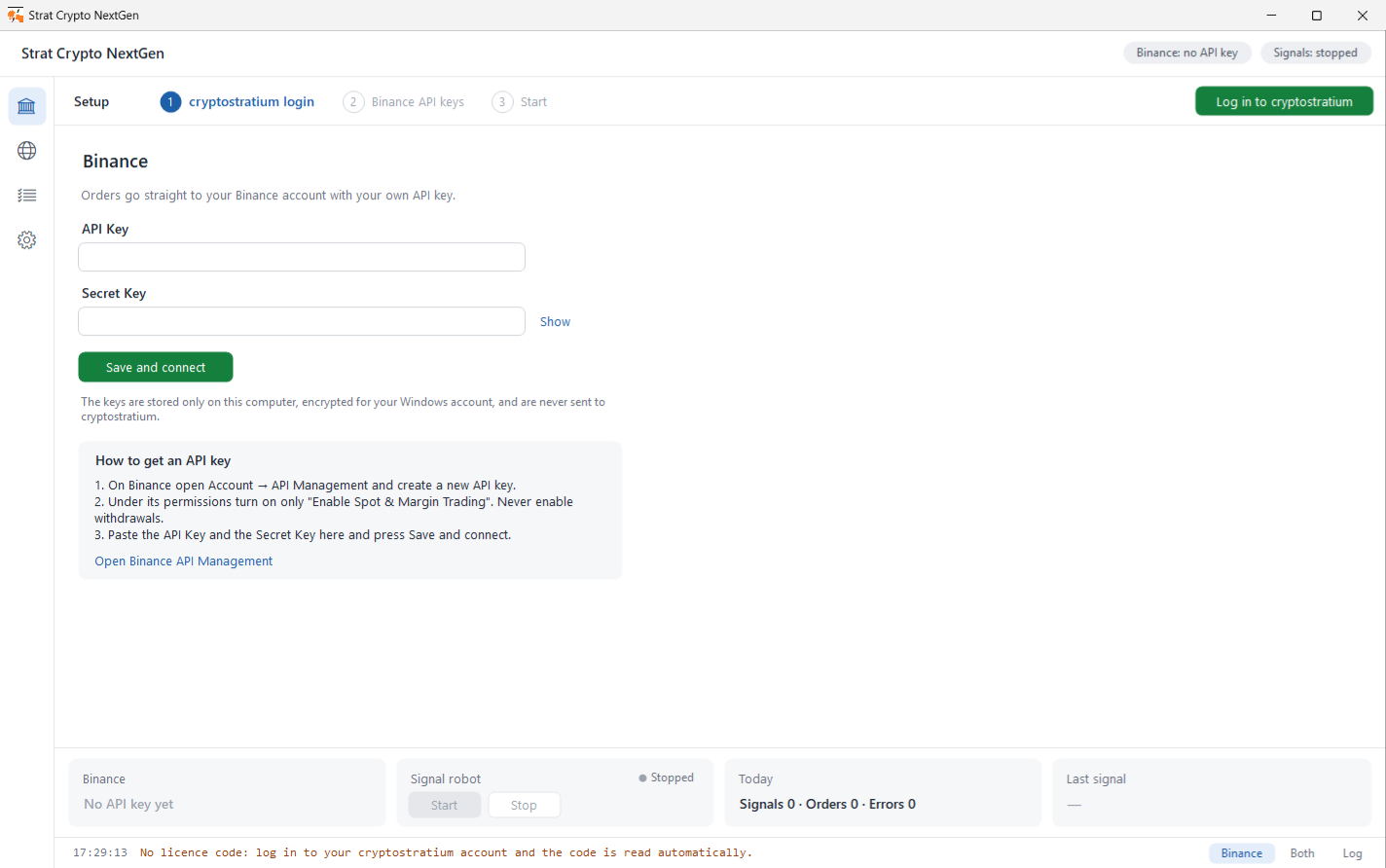
CryptoStratium keeps your Binance API keys off its servers on purpose. The website decides what to trade: it collects your signals, applies your Vault limits and sizes each order. The order itself is sent to Binance by the app running on your own Windows PC or Android phone, using keys that never leave that device. That is why the app has to be running and connected for a signal to become a trade: no app, no order.
What the app does
- Listens - stays connected to your account and receives every signal the moment it is fired, whether it came from you, a group you follow or a webhook.
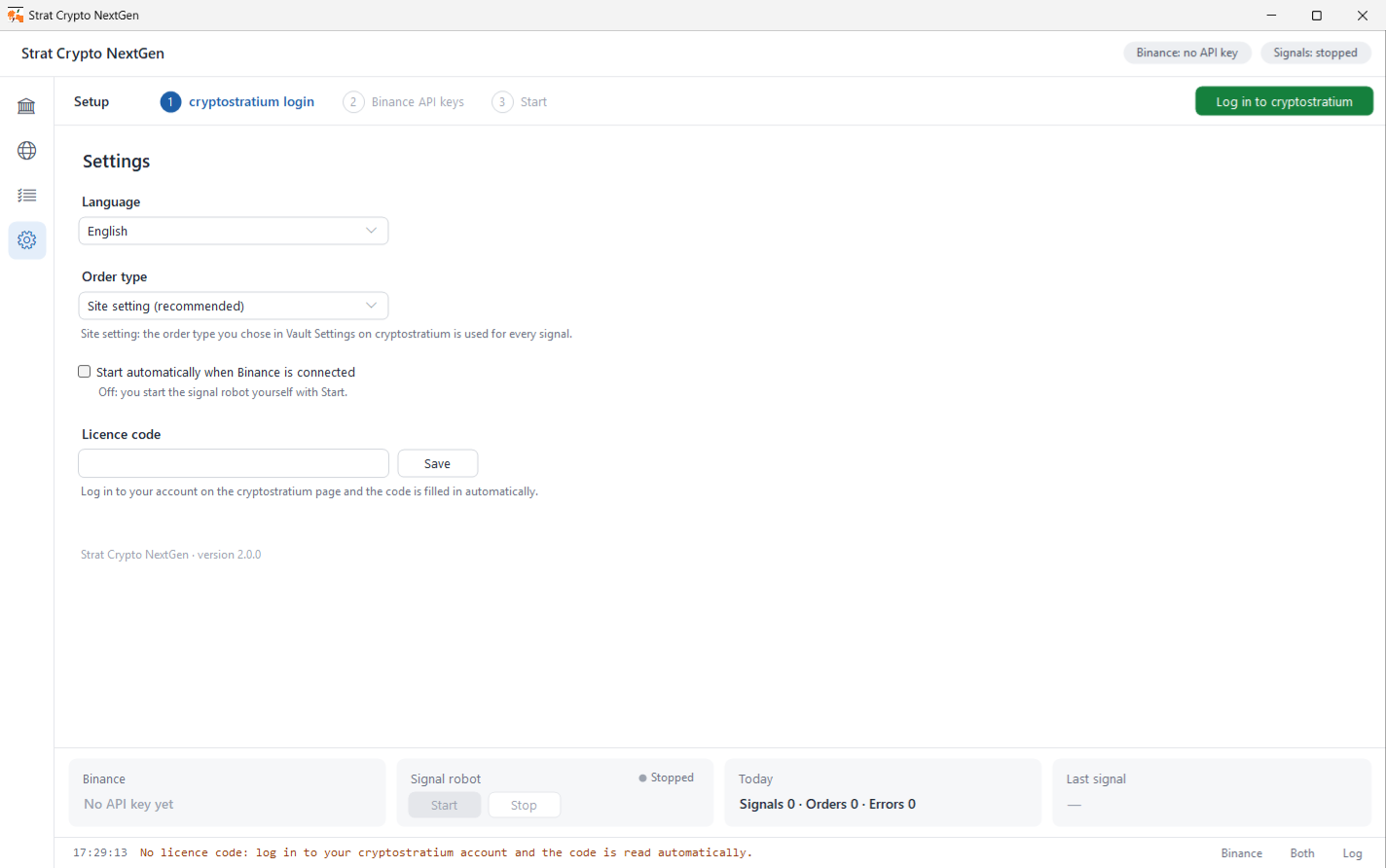
- Executes - places the buy or sell on Binance with your own keys, as a Market or Limit order according to your Vault Settings (or the app's own override).
- Protects - never sends the same signal twice, even after a restart, and keeps your keys encrypted in the device's secure storage.
- Shows you - a live log of each signal and what Binance answered, with one Start and one Stop button.
Pairing takes one code
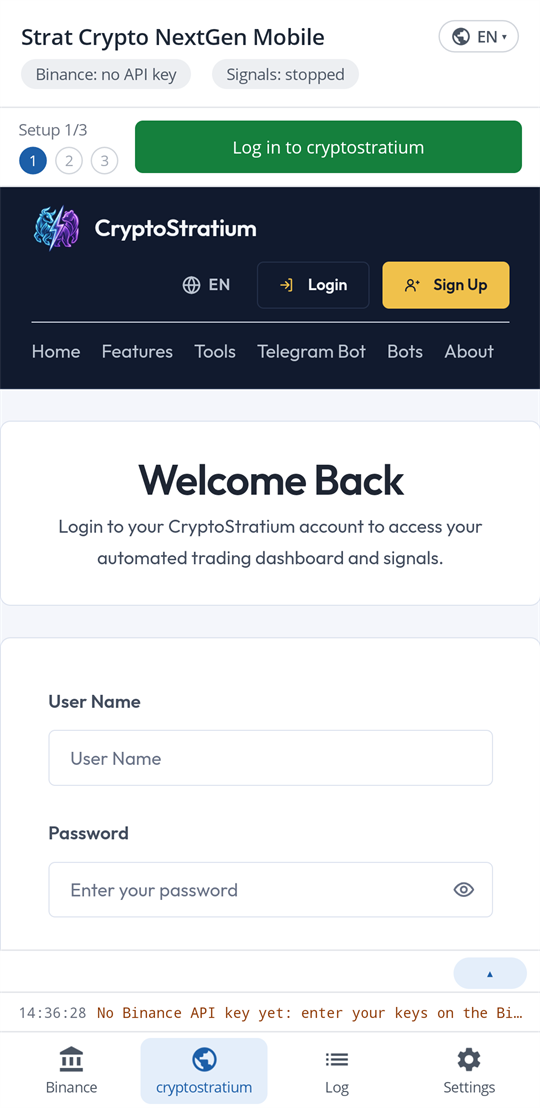
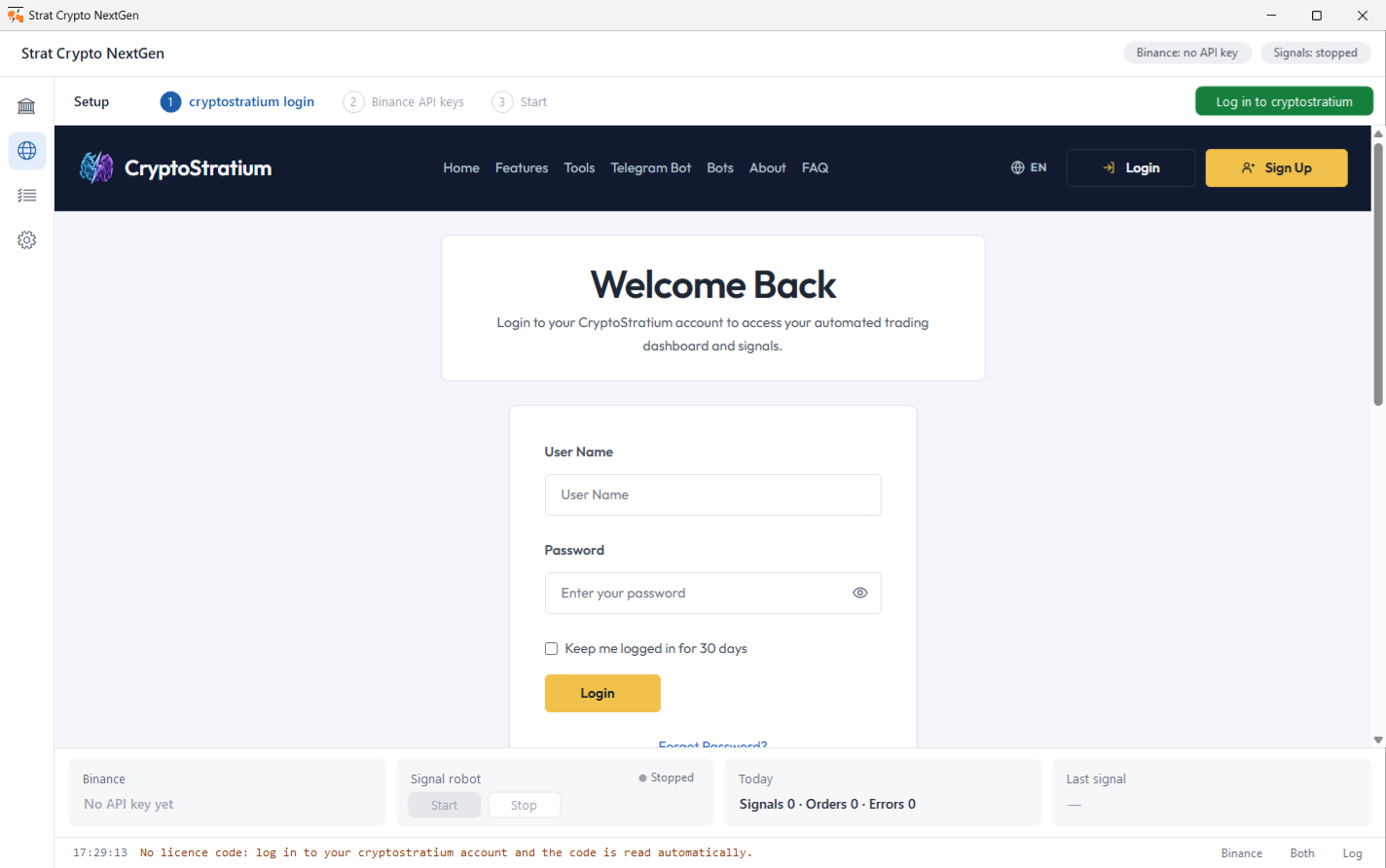
Every account gets a unique license code on the Profile page. On Windows, Strat Crypto NextGen reads it for you: log in to your account on the CryptoStratium page inside the app. Strat Crypto NextGen Mobile on Android does the same. Add your Binance API key and secret, press Start, and the app is paired. Use whichever device is switched on more of the time, and run one of them at a time. Everything else, your strategy, risk controls and reports, stays on the website.